Nano-Banana局部控图

图示:使用Gemini 2.5 Flash生成的主产品图
- ✅ 产品拍摄成本高,周期长
- ✅ 不同图片间产品外观不一致,影响客户信任
- ✅ 需要大量产品变体图片,制作困难
- ✅ 想快速生成生活方式场景图但缺乏资源 别担心,AI图像生成技术可以帮你解决这些问题!本文将分享如何使用Gemini 2.5 Flash,通过10个步骤打造完整的电商视觉内容库。
 这篇学完,你就能:
掌握使用Gemini 2.5 Flash进行电商产品AI生成的核心技能
了解如何创建视觉一致的产品图像内容
学会10种电商常用的AI图像生成应用场景
快速构建覆盖整个客户旅程的视觉资产库
这篇学完,你就能:
掌握使用Gemini 2.5 Flash进行电商产品AI生成的核心技能
了解如何创建视觉一致的产品图像内容
学会10种电商常用的AI图像生成应用场景
快速构建覆盖整个客户旅程的视觉资产库
一、为什么选择Gemini 2.5 Flash进行电商图像生成?
Gemini 2.5 Flash是Google最新、最快、最高效的原生多模态模型。它不仅能理解文本,还能理解图像,让你超越简单的文字生成图片,实现更复杂的图像编辑和组合功能。
核心功能:
- 文本到图像: 仅通过文本描述创建全新的高质量产品图片
- 图像+文本编辑: 上传现有产品照片,通过文本指令添加道具、更改背景或修改元素
- 多图像合成: 将多个图像(如产品和模特)组合成一个连贯的新场景
- 迭代优化: 与模型对话进行微调,直到图像完美无缺
- 高保真文本: 直接在图像上添加清晰的促销文本,适用于社交媒体帖子和横幅
二、10个电商图像生成实战步骤
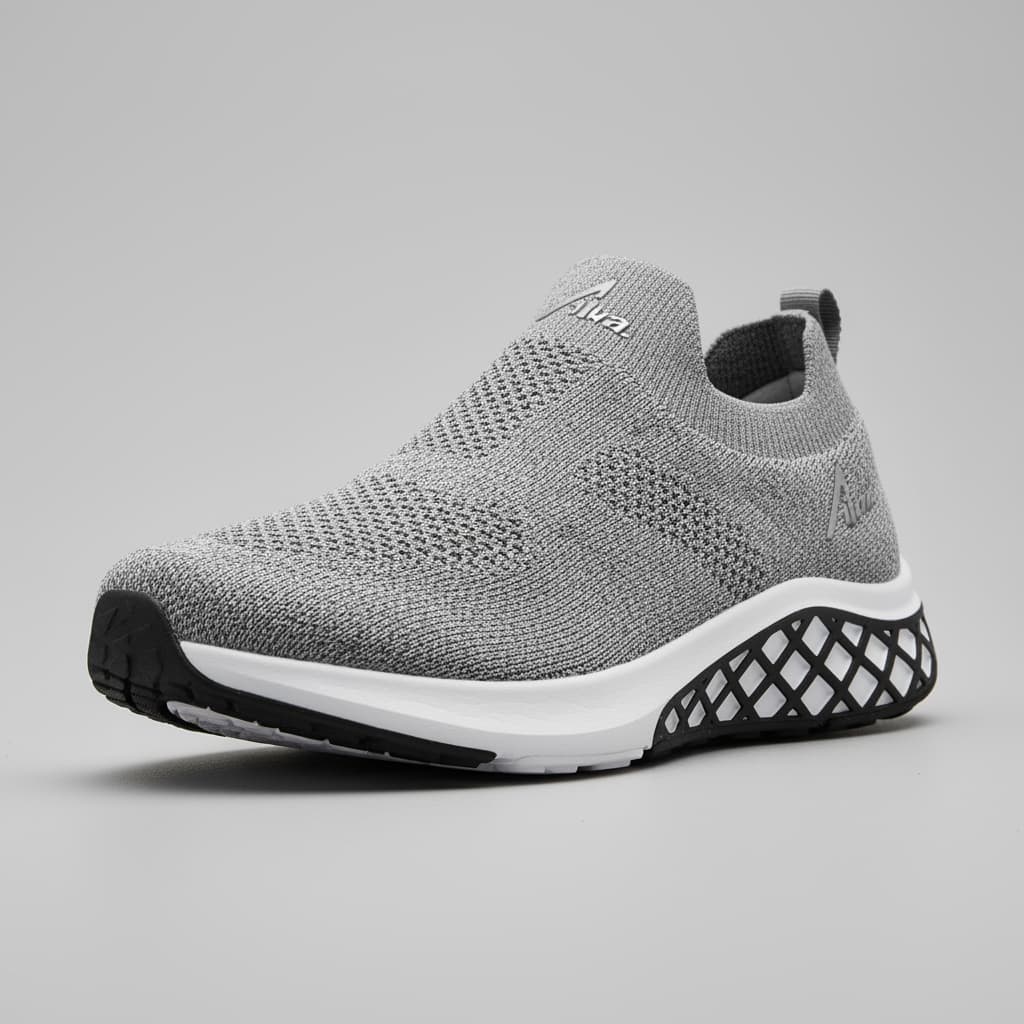
步骤 1:创建主产品图
首先,我们使用详细的文本提示创建完美的主图像。这张图像将作为后续所有步骤的一致视觉锚点。
图示:使用详细文本提示创建的主产品图
A high-resolution, studio-lit product photograph of a [product description] on a [background surface]. The lighting is a [lighting setup] to [lighting purpose]. The camera angle is a [angle type] to showcase [specific feature]. Ultra-realistic, with sharp focus on [key detail].
步骤 2:生成包装内容平铺图
使用主图像确保新产品照片中的商品与产品页面上的完全一致,增强真实性。
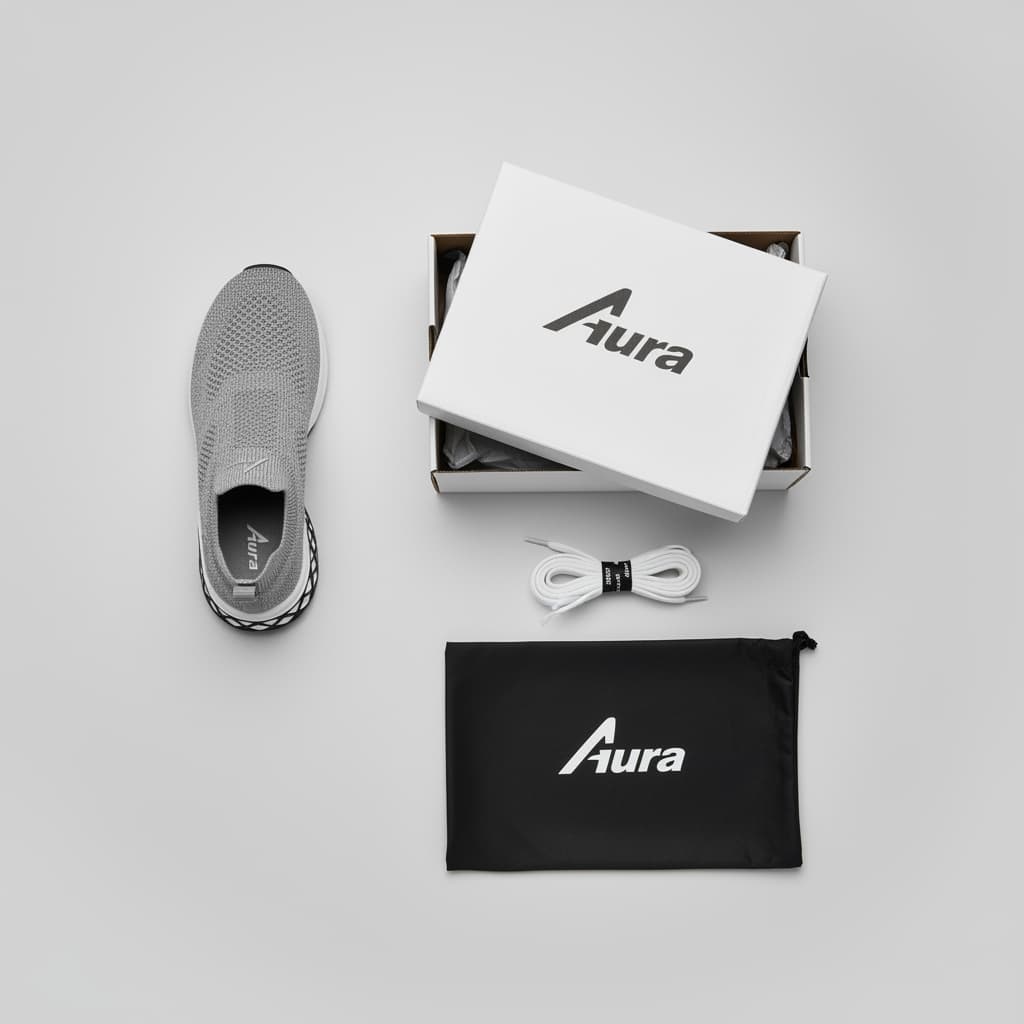
图示:展示产品包装内所有物品的平铺图
Using the provided master image of [product], create a top-down, neatly arranged "flat lay" photograph. Place the exact sneaker from the image alongside all its included items: [item 1], [item 2], [item 3]. The items should be on a [surface description].
步骤 3:生成极端微距细节图
我们指示Gemini使用主图像作为基础,保证光线、颜色和纹理的完美匹配。
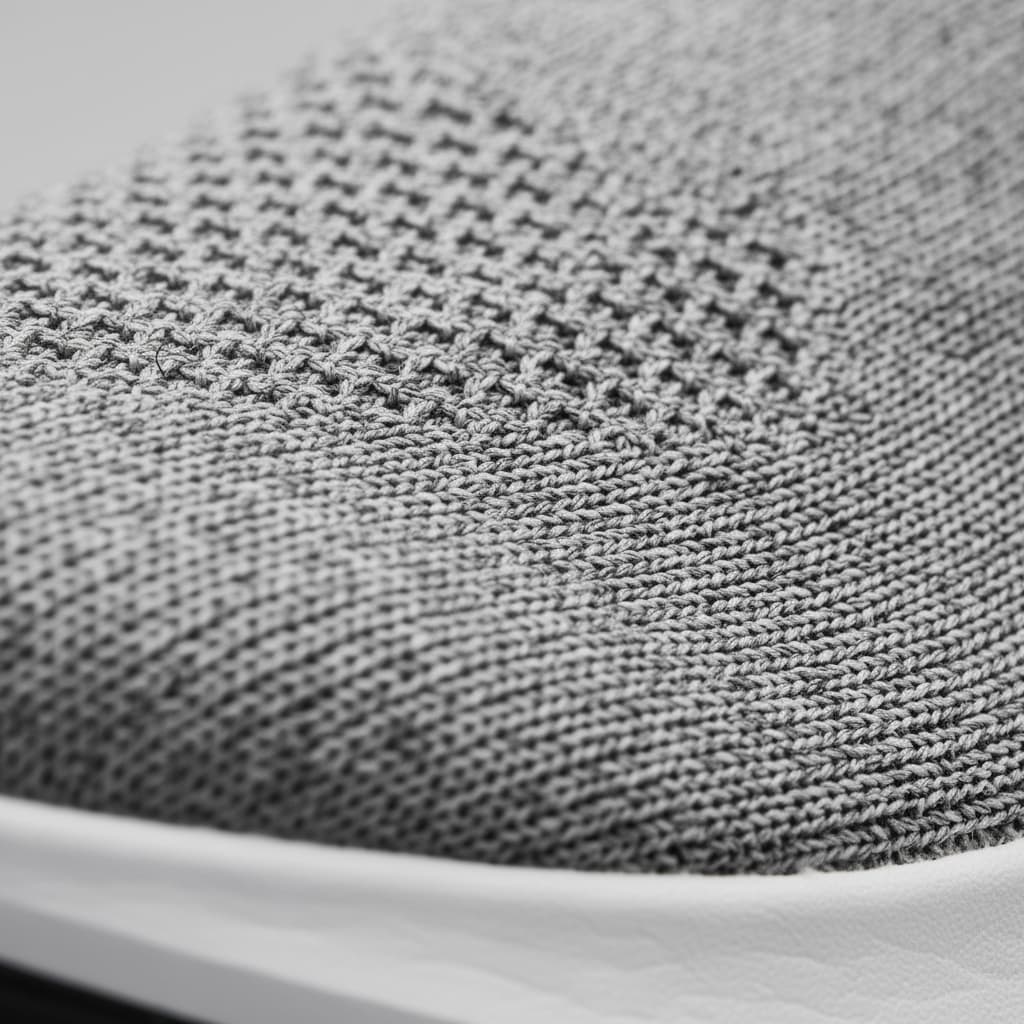
图示:聚焦产品特定细节的极端微距图
Using the provided master image of [product], re-frame the shot to be an extreme macro photograph. Focus exclusively on the [specific feature], making it the hero of the new image. The lighting and style should be preserved from the original image.
步骤 4:展示颜色/样式变化
在单个图像中显示所有选项有助于客户比较和选择。我们编辑主图来创建变体。
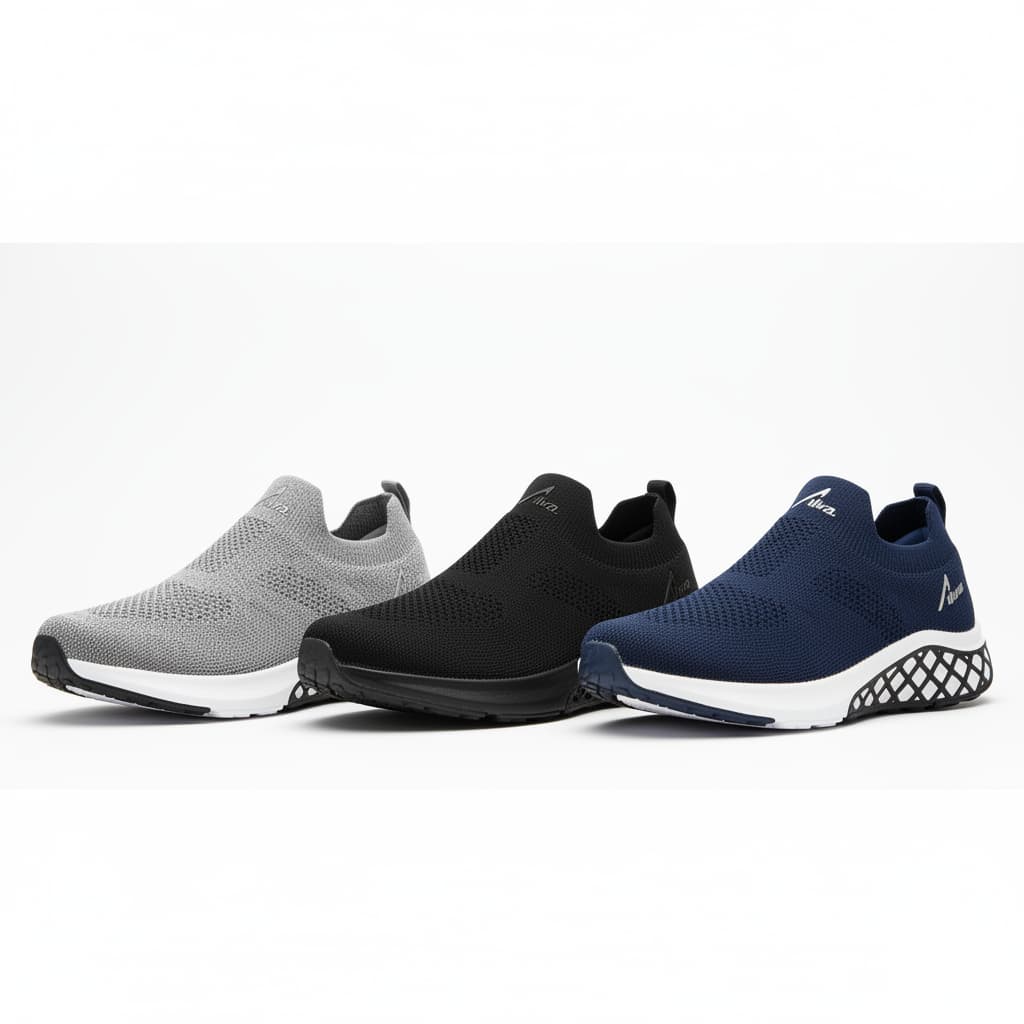
图示:展示产品不同颜色和样式变化的对比图
Using the provided master image of [product], create a single composite image showing the original product side-by-side with its new variations: [variation 1 description] and [variation 2 description], all arranged against a clean background.
步骤 5:创建上脚尺寸对比图
展示商品在不同脚上的效果是防止退货的强大工具。
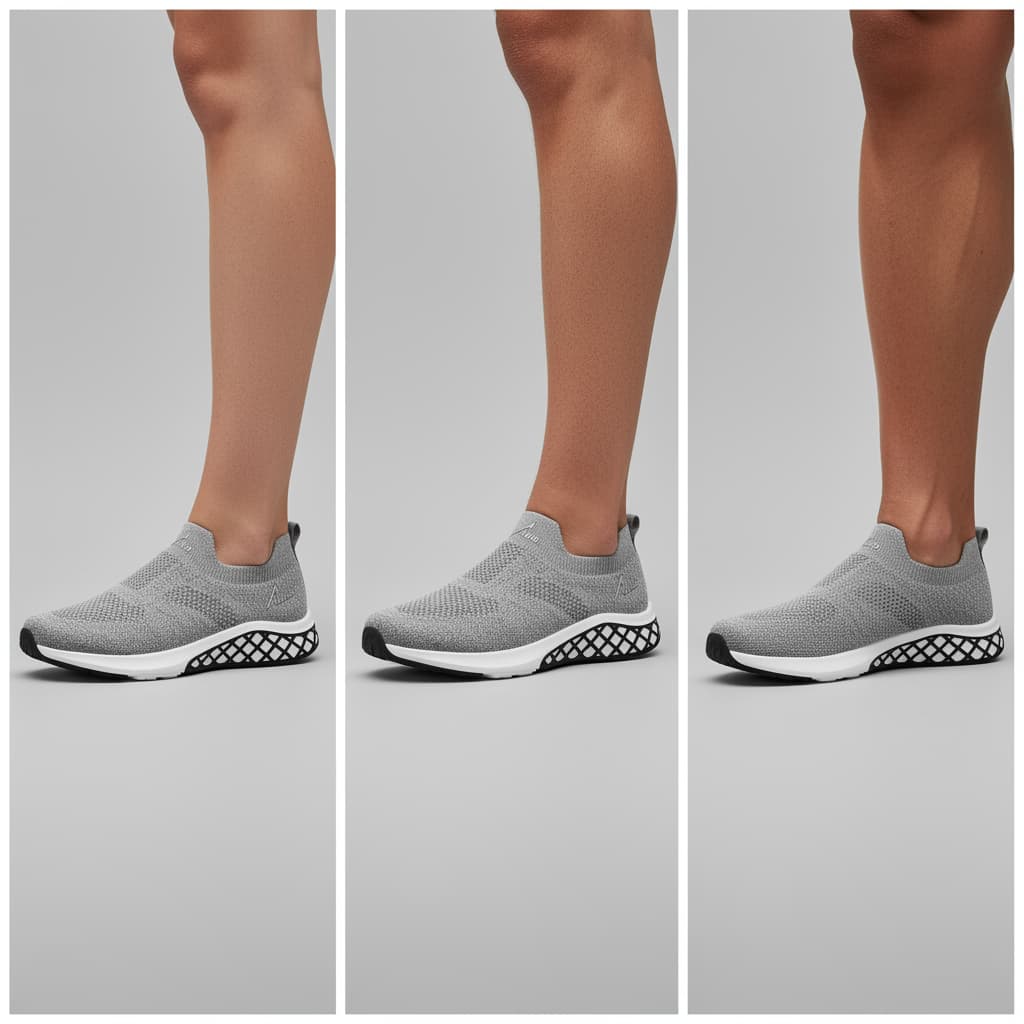
图示:展示产品在不同尺寸脚上的对比图
Using the provided image of [product], create a single composite image showing it on three different sized feet: one small, one medium, and one large. The shots should be from the same angle to make comparison easy.
步骤 6:通过双图像合成添加模特
为了确保最高的一致性,我们可以分步骤生成品牌模特,然后再添加产品。这让我们可以精确控制模特的外观和姿势。
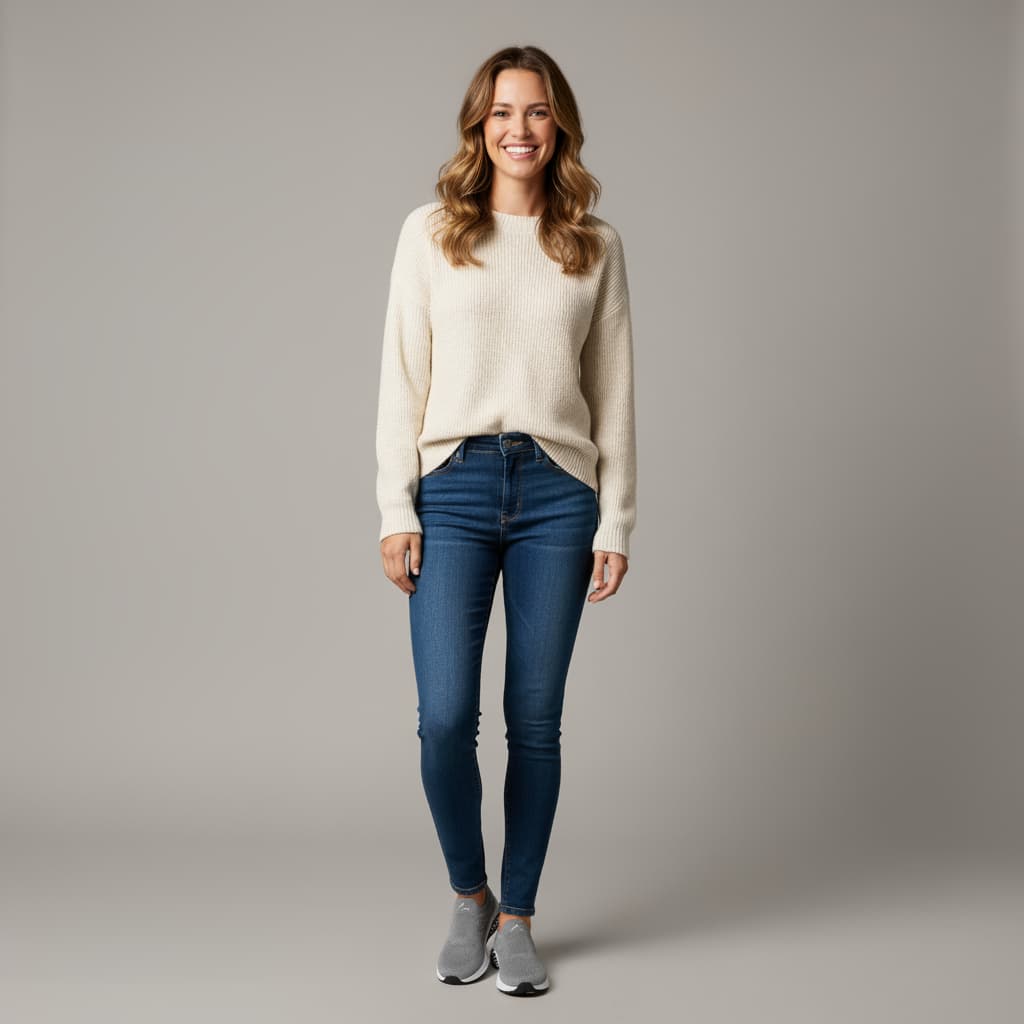
图示:展示模特使用产品的特写照片
Using the provided image of [product], create a close-up photograph of a [model description] actively using it. The focus is on the action of [describe the action], demonstrating the [specific feature].
步骤 7:生成生活方式动作图
现在我们将一致的模特和产品放置在完整的生活方式场景中。通过引用主产品图,我们确保产品得到完美呈现,而文本提示则围绕它构建完整的环境。
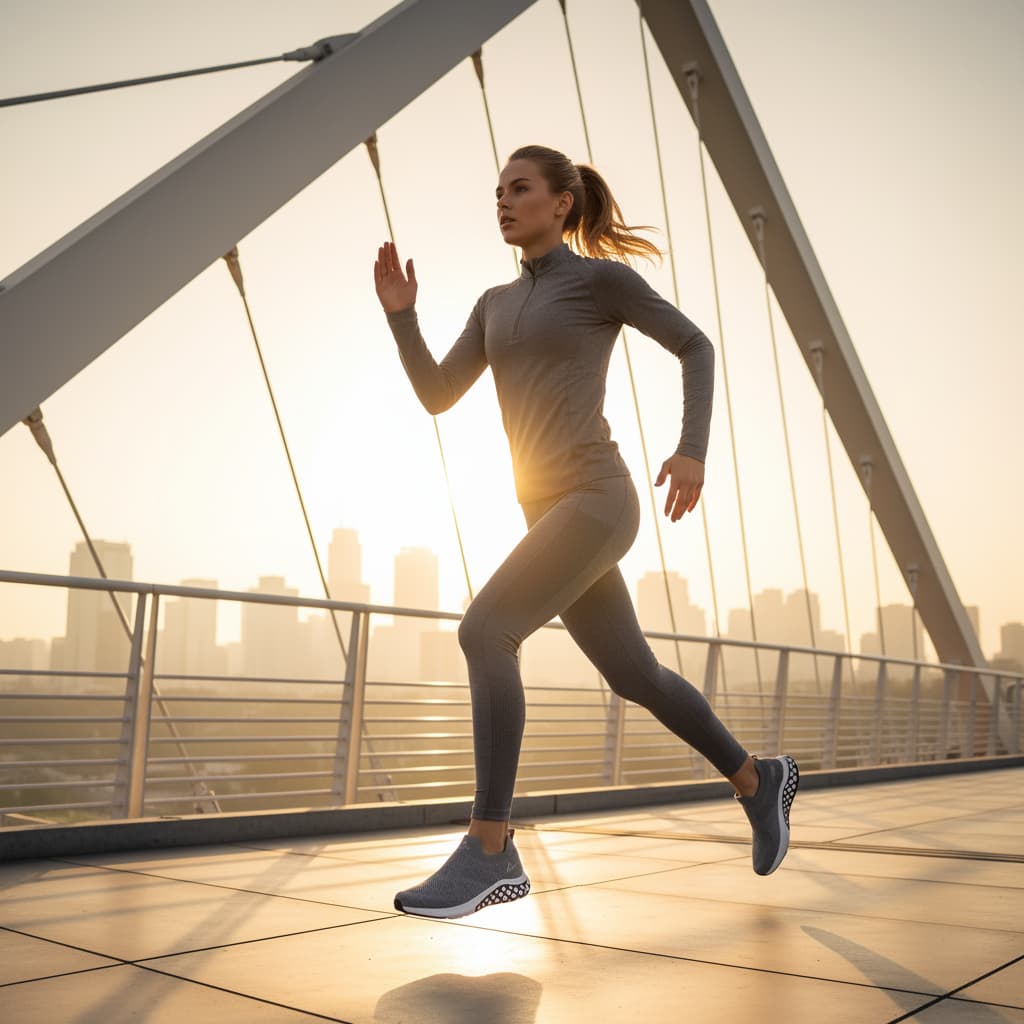
图示:展示产品在生活方式场景中的应用
Using the provided image of [product], create a photorealistic lifestyle scene. The shot should feature the [model description] wearing the product while [performing an action] in a [location description]. The lighting and mood should be [lighting/mood description].
步骤 8:创建UGC风格照片
生成看起来真实的"客户照片",在社交媒体上建立信任和亲和力。
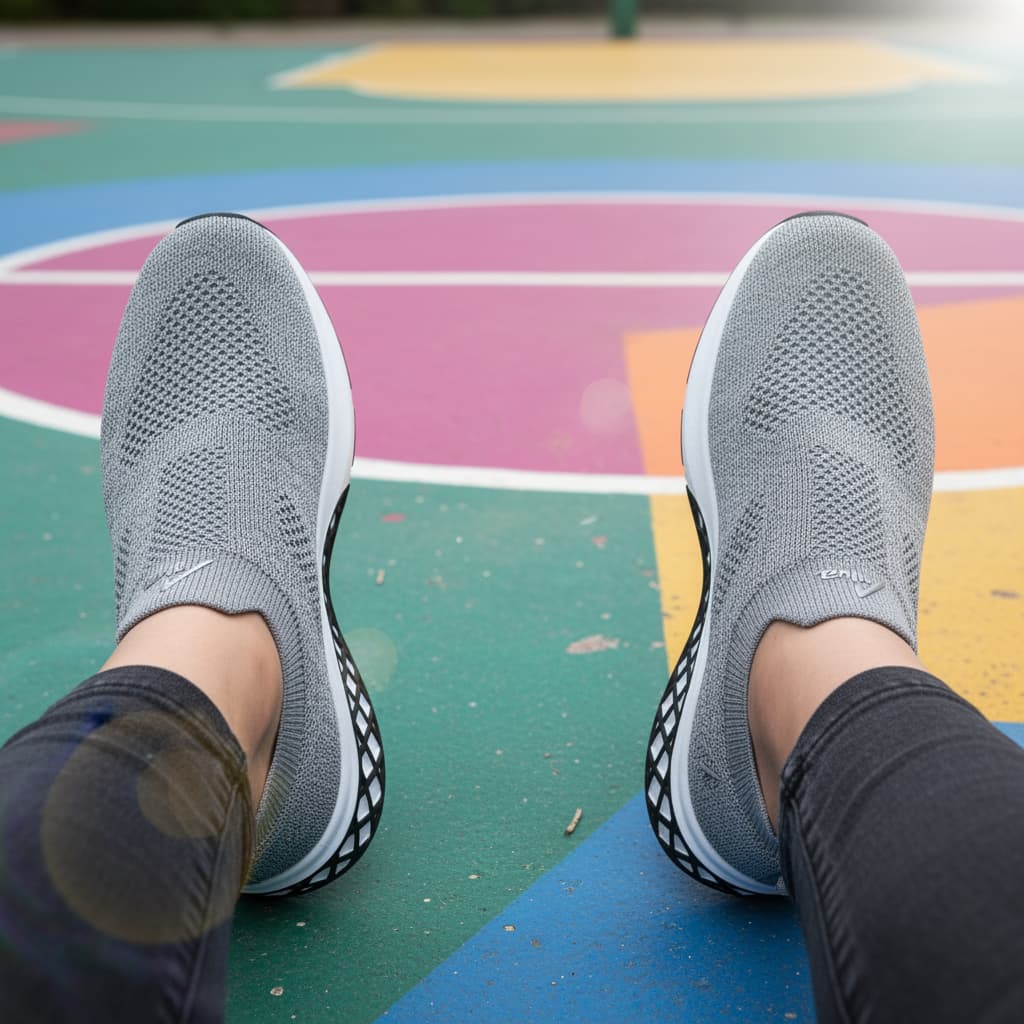
图示:模拟用户生成内容风格的产品照片
Using the provided image of [product], generate a realistic, user-generated style photo of it being used in an everyday situation. The style should look like a high-quality smartphone photo, slightly casual, with natural lighting.
步骤 9:制作负空间横幅
创建专为广告文案设计的图像,而不是在繁忙的照片上添加文本。
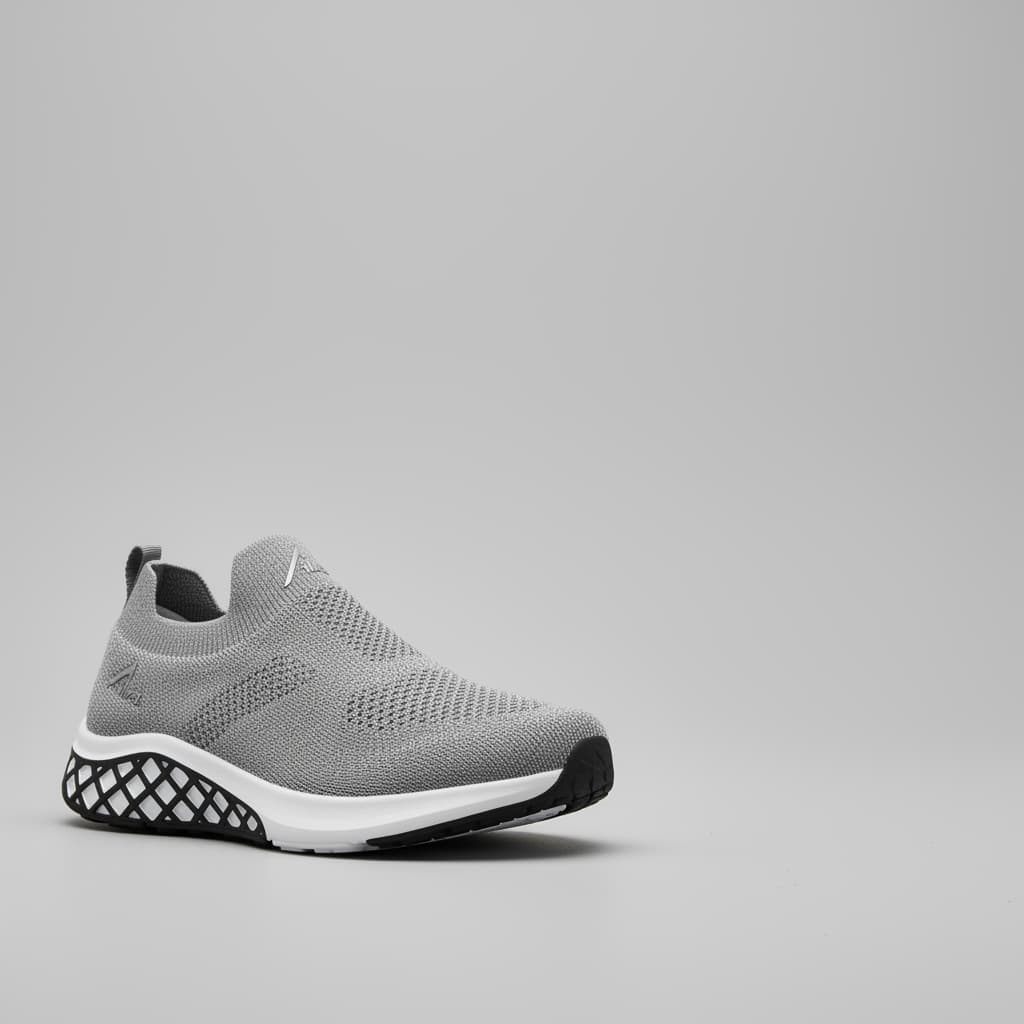
图示:为广告文案设计的负空间图像
Using the provided image of [product], create a minimalist composition featuring the sneaker positioned in the [bottom-right/top-left/etc.] of the frame. The background should be a [background description], creating significant negative space for text.
步骤 10:构建整体造型平铺图
要创建"整体造型"图像,提供其他产品的_确切图像_比仅仅描述它们要好得多。这确保了合成照片准确地呈现了您实际销售的特定商品。
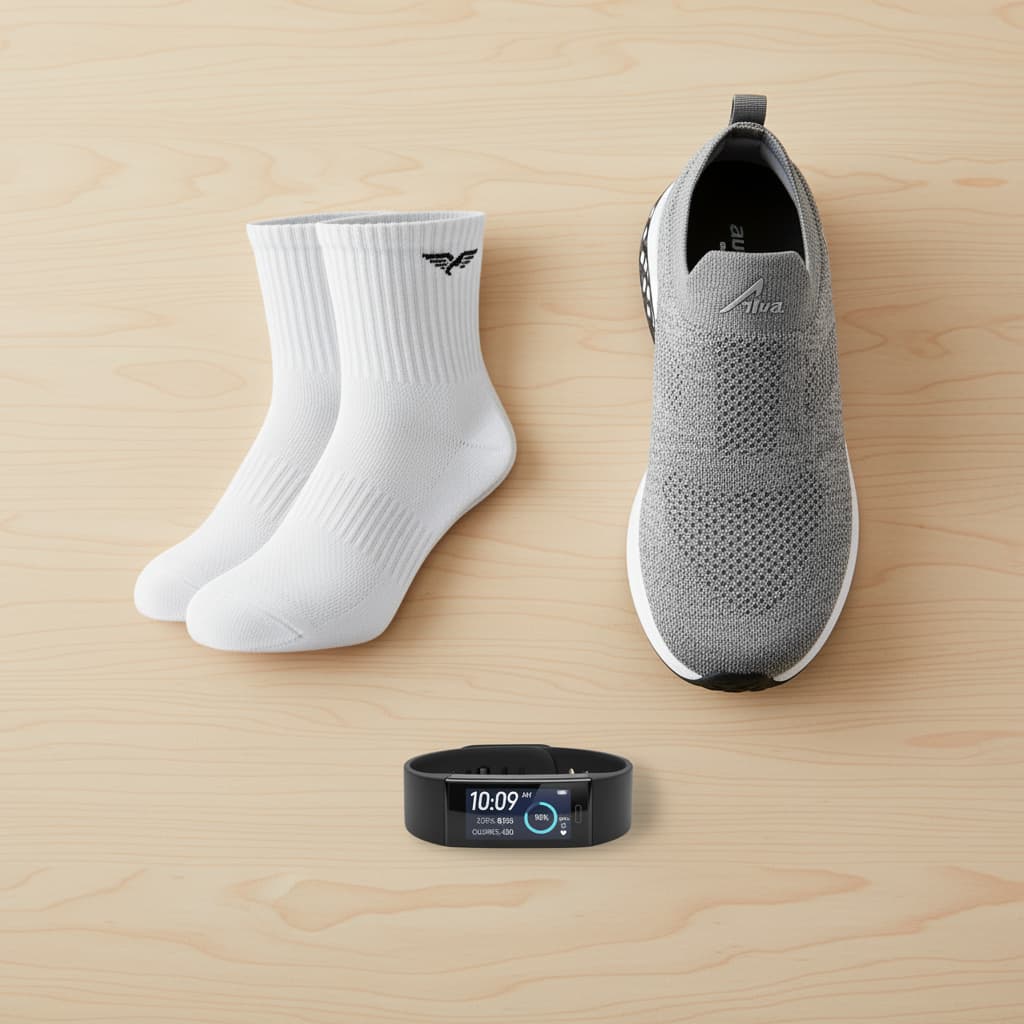
图示:展示多产品组合的整体造型图
Create a new composite product photo by combining the items from the provided images. Take the [product 1 from image 1], the [product 2 from image 2], and the [product 3 from image 3]. Arrange them in a [style of arrangement, e.g., clean flat lay] on a [surface description].
三、总结与展望
通过以"单一真实来源"的主图像开始,我们可以确保每个镜头的产品一致性——从技术细节到令人向往的生活方式场景。
AI图像生成技术正在从根本上改变电商格局。它使各种规模的品牌都能以极小的成本和时间创建令人惊叹、多样化且符合品牌特色的视觉效果。